

Your whole team. One tap away.
A shared Google Workspace directory on iOS and Android, with controlled field sharing and team groups.
Visit Workspace Sync
Find the colleague you need.
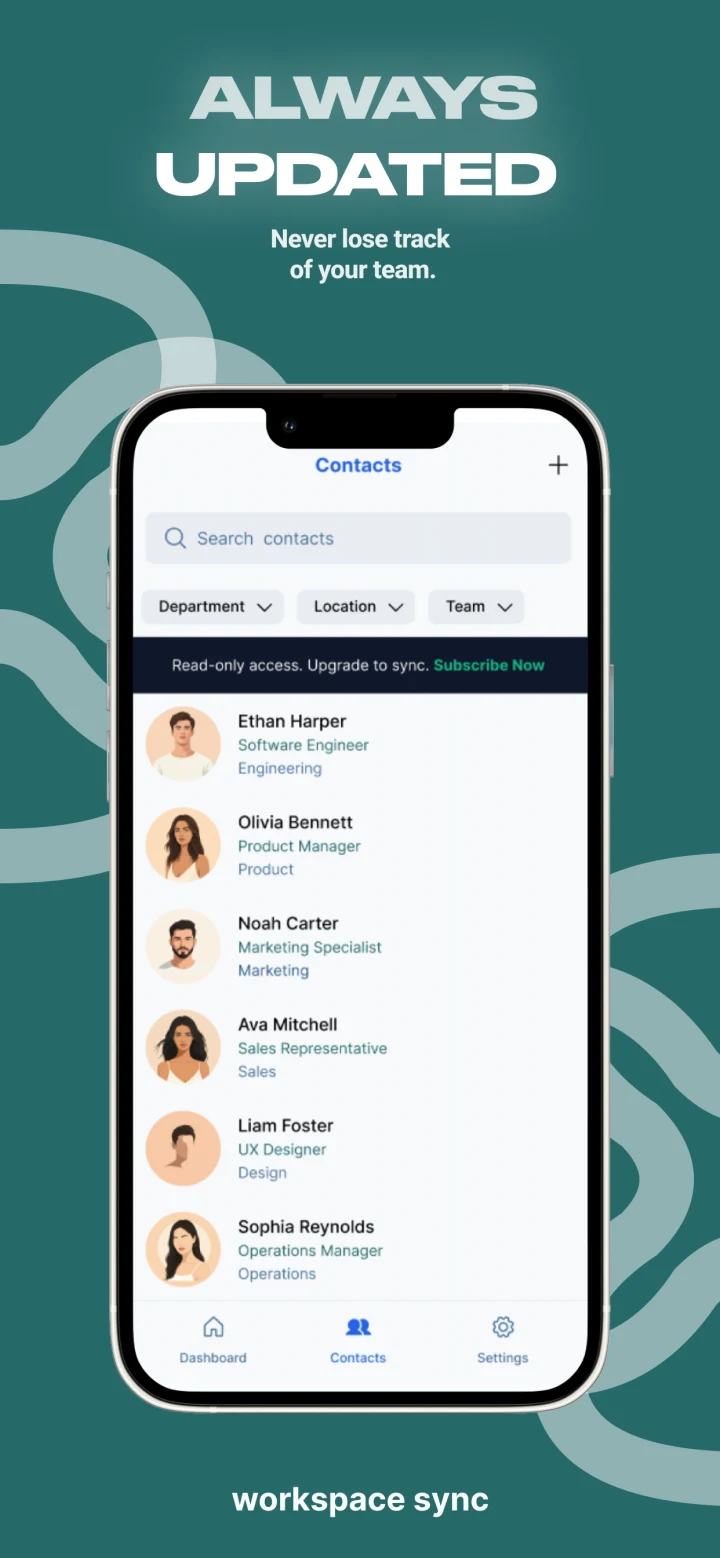
Workspace Sync brings a company’s Google Workspace directory to employees’ phones. Sign in with a work account, search by name, role or department, and open a contact card. Call, SMS and WhatsApp actions open the phone’s corresponding app, so a current directory becomes the starting point for a conversation.
A current directory, with deliberate sharing.
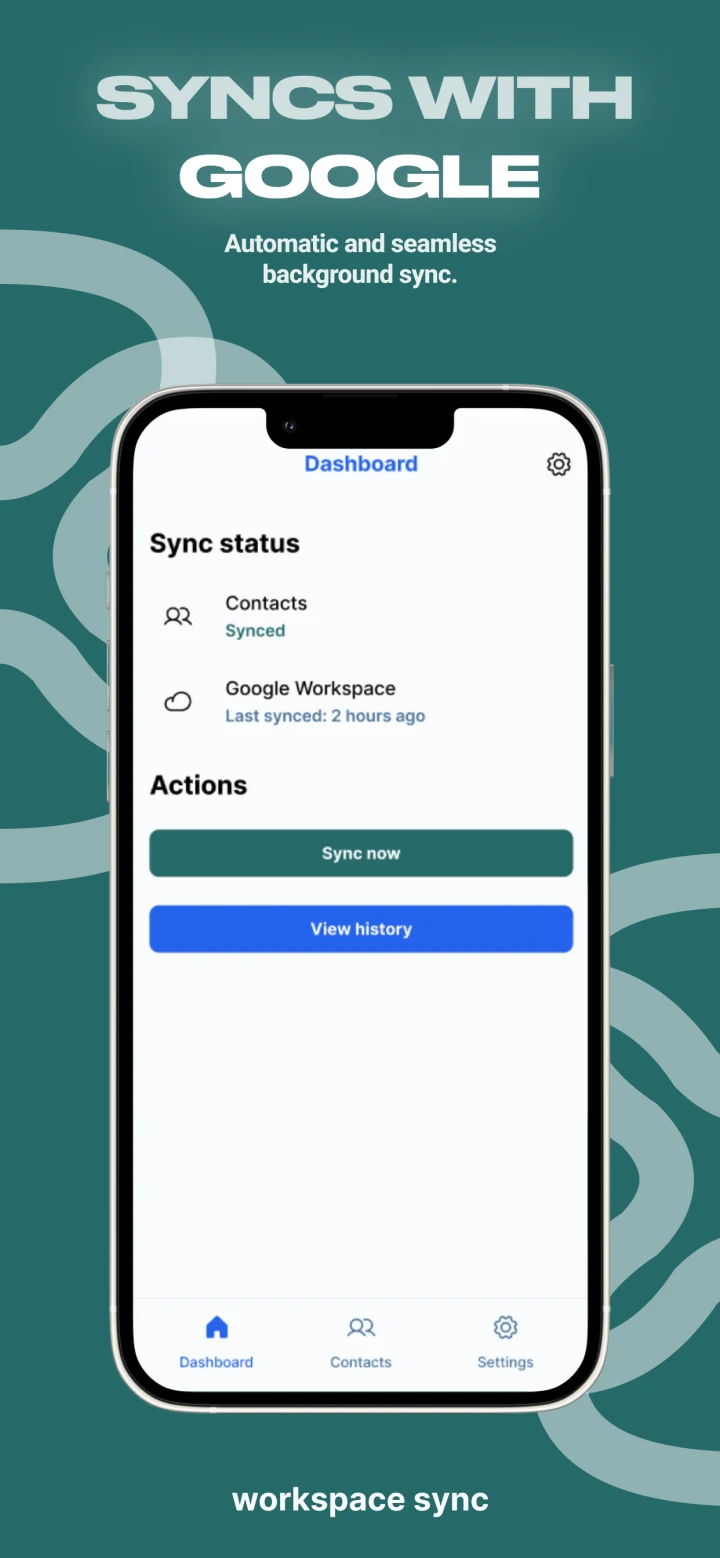
The read-only connection synchronizes with Google Workspace hourly. Administrators decide who can use the app, who appears in the directory and which fields are shared. These are separate controls: access to the app does not automatically mean that someone’s details are published to colleagues.
Organize around the way the team works.
Department groups follow the Workspace directory; custom groups can bring together a project team, a location or an on-call rota. Native iOS and Android apps keep those colleagues accessible in the field. Teams can also enable the Walkie-Talkie beta for direct or group voice messages.
The mobile app
A current directory. On every phone.
Find a colleague by name, role or department, then call or message from their contact card. Your company controls which people and details are shared.
- Shared team directory
- Call, SMS & WhatsApp
- Google Workspace sync