

Every pull request, ready to review.
Automatic pull-request environments and a hosting CLI for agencies and product teams, with managed compute, content delivery and edge security.
Visit Nebion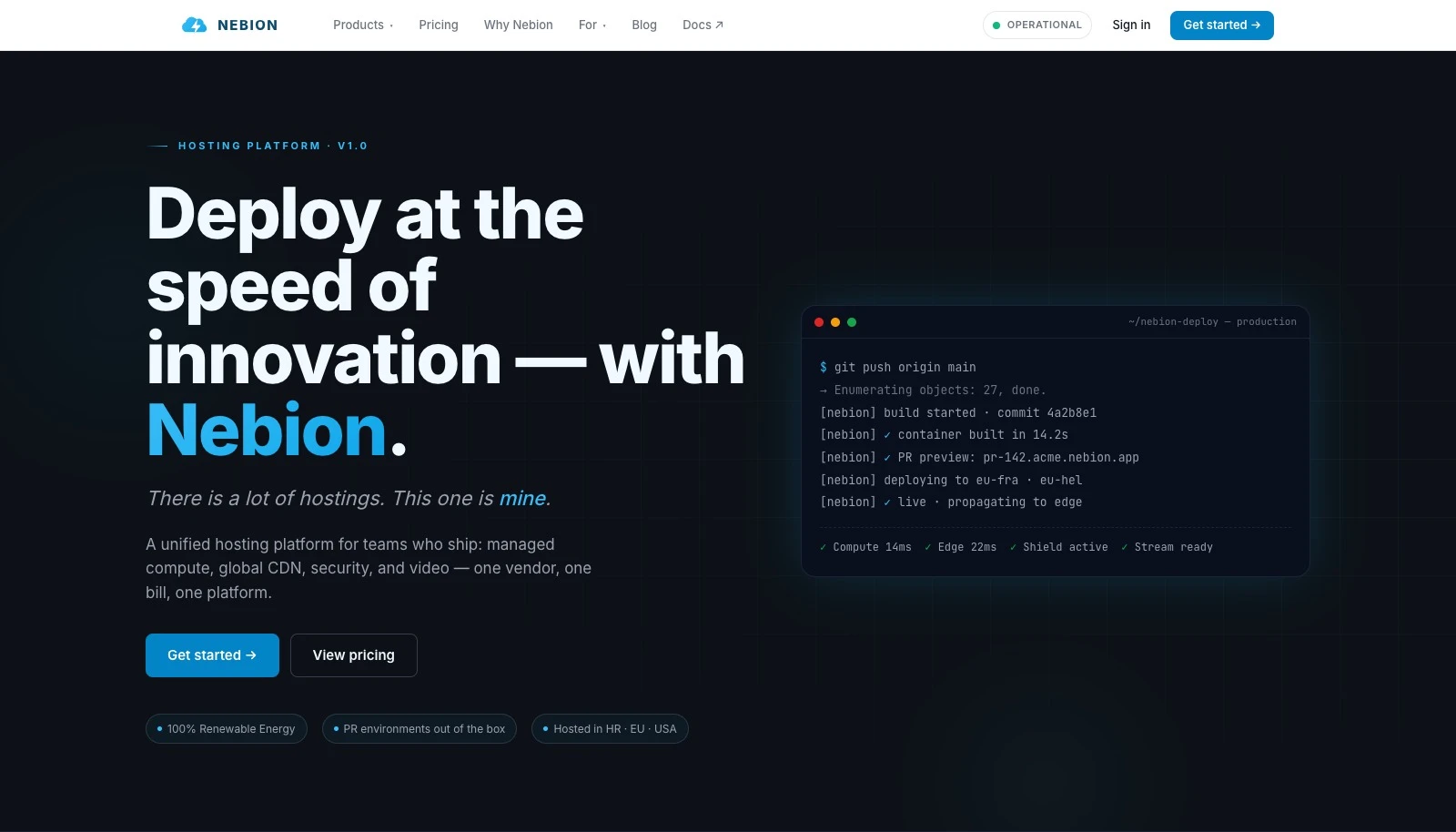
A live environment for every pull request.
Nebion connects Git activity to running applications. Open a pull request and a dedicated environment is deployed with its own URL. New commits update it; merging or closing the pull request removes it. Teams can review real changes while keeping long-lived staging and production environments alongside them.
A hosting CLI for the work after deployment.
Use nebioncli to browse projects and environments, inspect deployment history, follow logs and connect to containers through SSH. Its interactive dashboard keeps routine operations close at hand, while the doctor command validates repository and Docker Compose configuration before deployment. The same platform provides backups, permissions and a web interface for ongoing operations.
The services around the application.
Edge adds content delivery, cache controls and traffic analytics. Shield provides security controls such as traffic filtering and rate limiting, with features depending on the selected service plan. Stream handles video uploads, transcoding, adaptive playback and delivery tools for uses such as courses, product demos and private video.
Infrastructure that fits your needs.
Nebion serves agencies running multiple projects and teams operating their own applications. It is one option within our infrastructure offering. We can work with your existing cloud and stack, use Nebion where it fits, or discuss a sovereign deployment when the project calls for it. The choice starts with your requirements.
From a pull request to a running application
Every change, ready to review.
Connect your Git provider once. Nebion creates, updates and removes pull-request environments as your team works.
Open a pull request.
A new environment gives the change its own live URL, ready for review.
Keep pushing forward.
New commits redeploy the same environment, so feedback stays connected to the work.
Merge. Clean up.
Merging or closing the pull request automatically removes its preview environment.
The Nebion CLI
Operate from your terminal.
An interactive dashboard for your projects. Configuration checks, deployment history, container access and searchable logs for the work that follows a release.
Explore the CLI (opens in a new tab)nebioncli Command reference
nebioncli hub- Browse projects, environments and deployment history.
nebioncli doctor- Validate configuration before deploying.
nebioncli logs -f- Follow logs while the application runs.
nebioncli ssh -p myproject -e 42 -c php- Connect to a container in a specific environment.
Automatic PR deployments require the project’s Git webhook to be configured. Environment documentation (opens in a new tab)
A closer look
From environments to delivery.
Environment and delivery diagrams from Nebion’s public product pages.
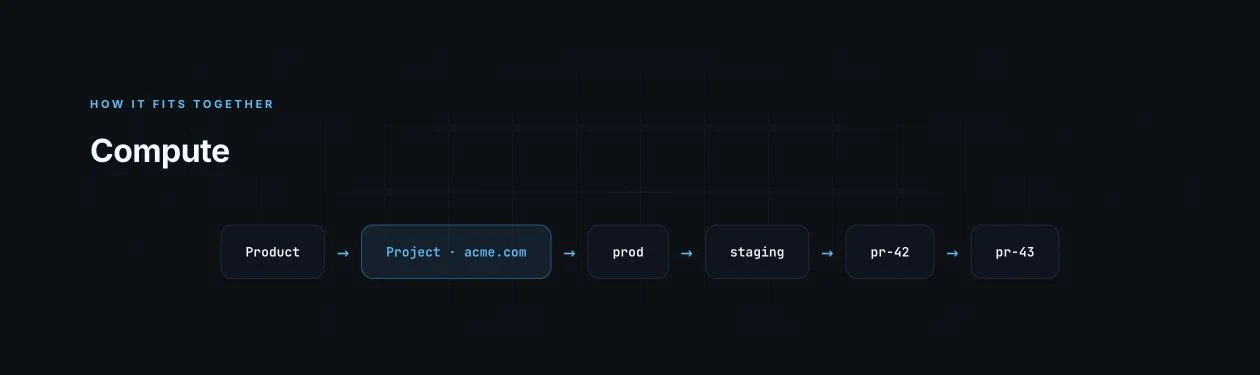
Production, staging & PR environments
A public example of how production, staging and pull-request previews fit together.
Explore on Nebion ↗
Delivery through the edge
The public Edge diagram places the CDN between visitors and the origin.
Explore on Nebion ↗