


Your Drupal site. Backed up beyond your server.
Cloud backup for Drupal databases and files, with scheduled backups, off-site storage and restoration from Drupal.
BetaVisit BackBeaver
Keep a copy beyond the server.
BackBeaver gives Drupal site owners an off-site destination for database, file and full-site backups. It connects cloud storage to the familiar Backup and Migrate workflow, helping teams prepare for failed updates, server problems and accidental changes.
Connect once. Back up on a schedule.
Register a site in BackBeaver, install the Drupal integration and connect the destination with the site API key. Run a backup manually or configure a schedule. Resumable uploads handle interrupted transfers; encryption is available for backups.
Bring the recovery workflow into Drupal.
Monitor and manage backups through the cloud dashboard, download a saved copy, or restore through Drupal. The open-source integration keeps backup operations close to the administration tools the team already uses.
A closer look
A backup destination inside Drupal.
The public setup guide from BackBeaver’s website, showing its Drupal integration.
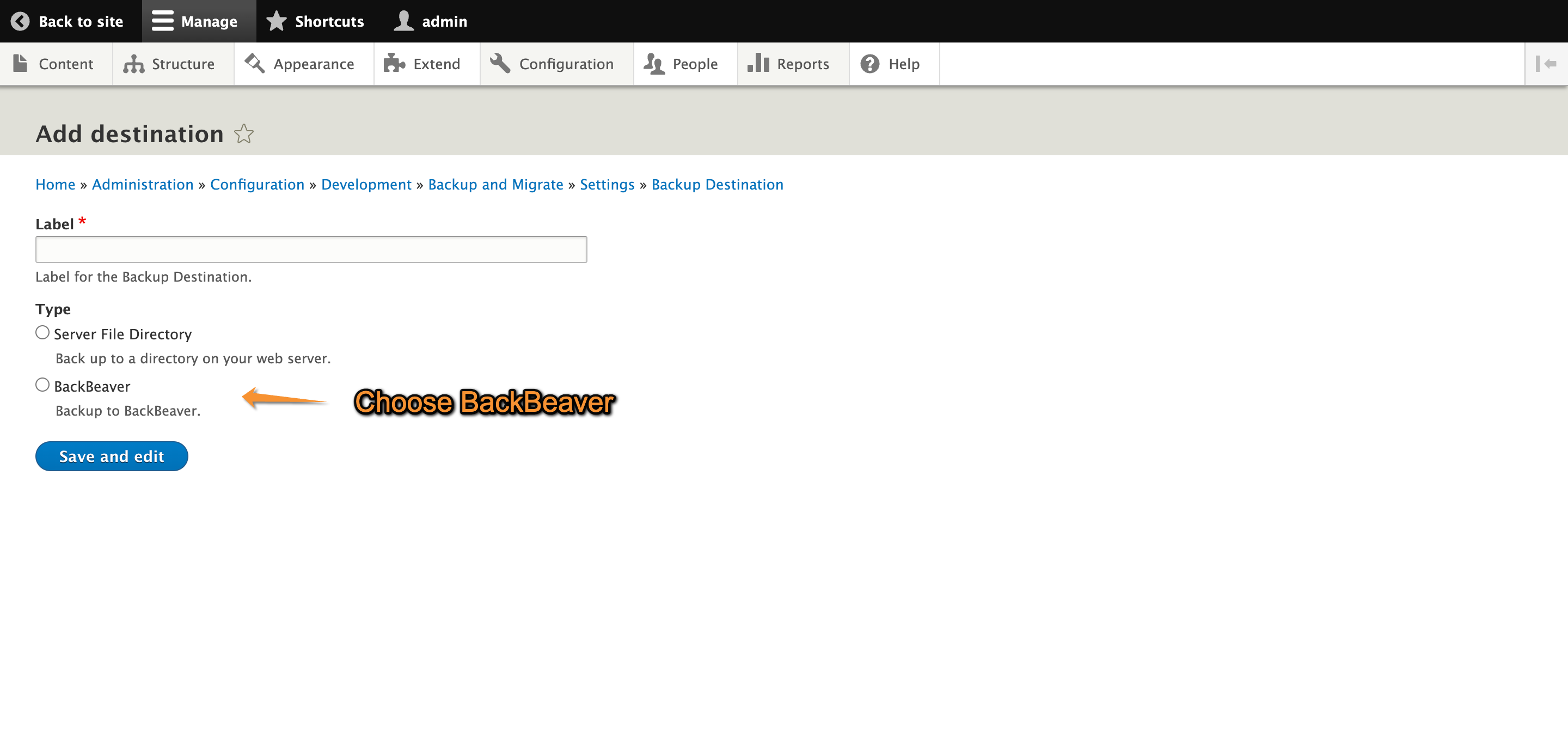
Connect BackBeaver to Backup and Migrate
Select BackBeaver as the backup destination, then connect the site API key in the next step.
Explore on BackBeaver ↗